
Check hotel Wi-Fi and workspace
Check hotel Wi-Fi and workspace
Free Wi-Fi does not guarantee a stable connection in your room or a useful desk for calls. Ask about in-room coverage and usage limits, then check desk, chair, outlets and quiet during working hours.
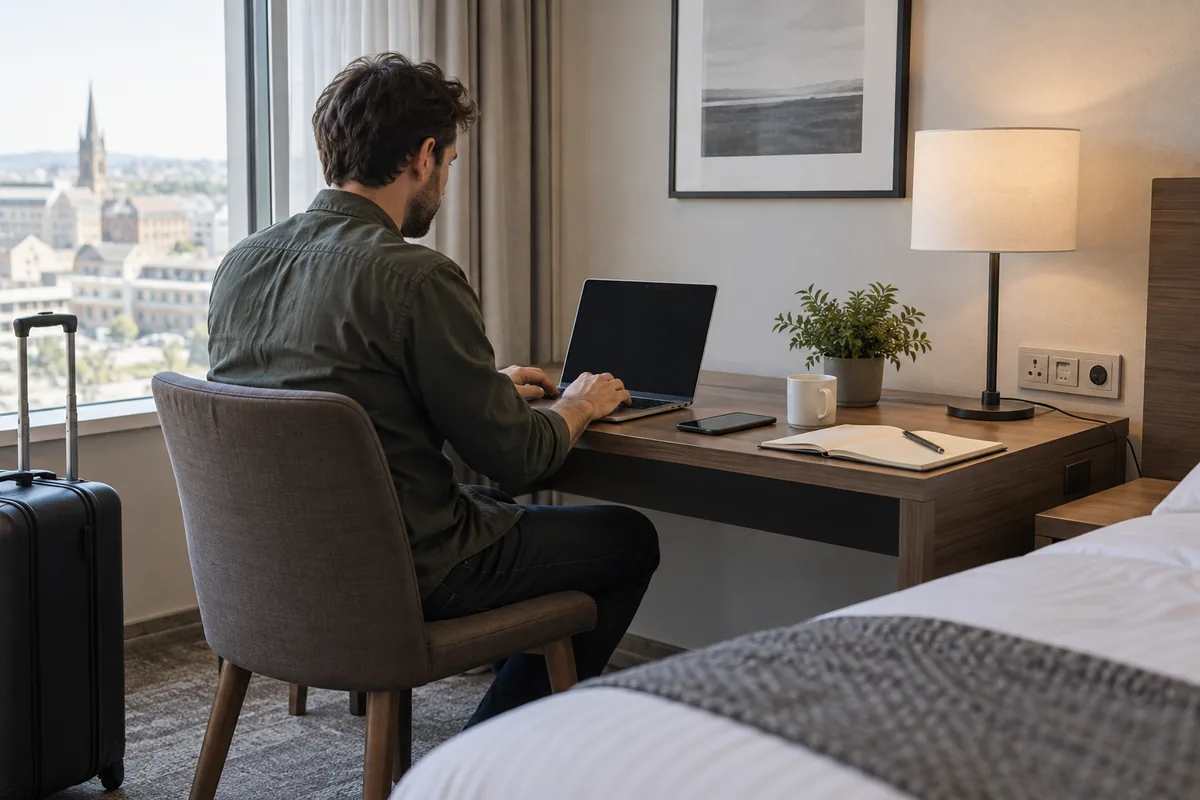
In brief
Check hotel Wi-Fi and workspace
Ask about in-room coverage and usage limits, then check desk, chair, outlets and quiet during working hours.
1. Usable connectivity
Check whether the network works in the room or only shared areas, whether your rate includes it and whether devices are limited. Keep an independent backup for essential work.
2. Work setup
Room photos may hide desk size, chair and outlets. Ask about lighting and shared work areas.
3. Quiet and privacy
Check noise, shared-area hours and housekeeping. For sensitive work, choose a suitable connection and space; do not assume a shared network is secure.
4. Confirm written terms
If a meeting depends on the network, ask where it works and about device or usage limits. A general Wi-Fi promise does not describe performance in your room.
5. Prepare a backup
Plan mobile connectivity suitable for your destination or another work location. Download essential documents before travel and test the connection on arrival.
Keep this checklist
Check hotel Wi-Fi and workspace
- In-room coverage
- Access terms
- Desk and outlets
- Backup connection
Frequently asked questions
Useful answers before booking
Is free Wi-Fi enough for calls?
Not necessarily: quality varies by room, time and occupancy.
Is coworking included?
It depends on the rate and hotel; check hours and fees.
Move to comparison
Apply these criteria to your next stay
Choose your destination and dates, then compare only equivalent rooms and terms.